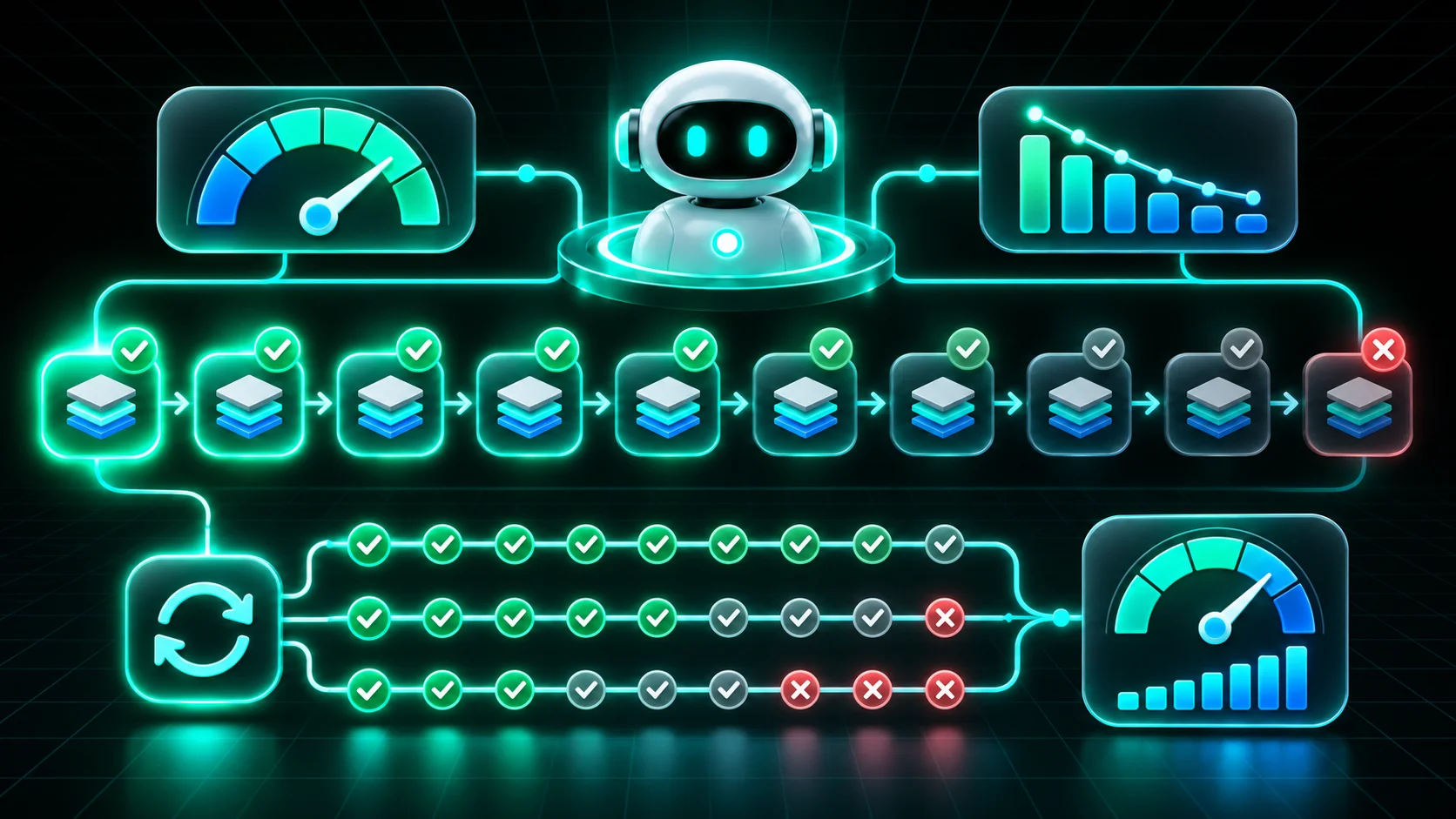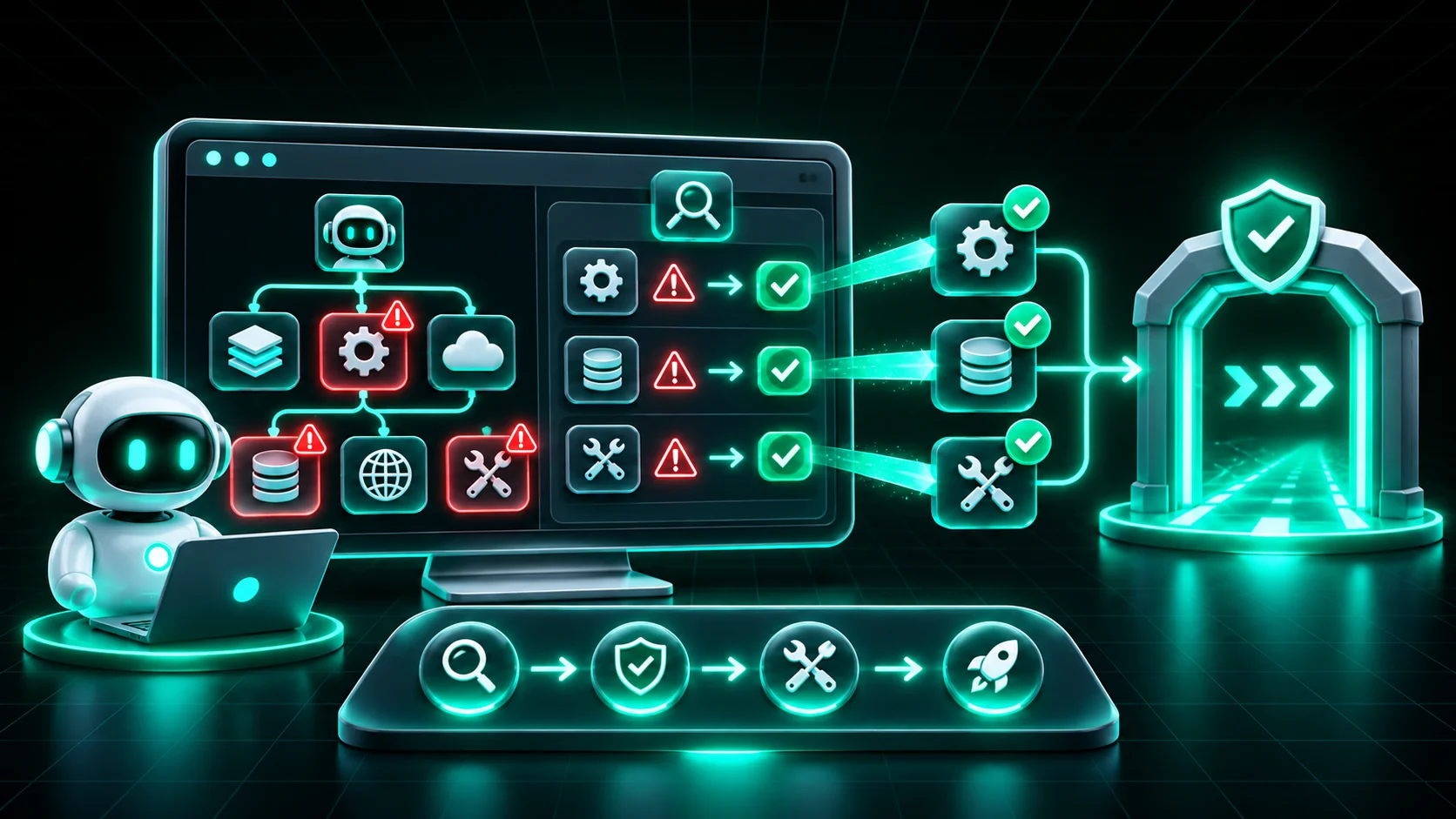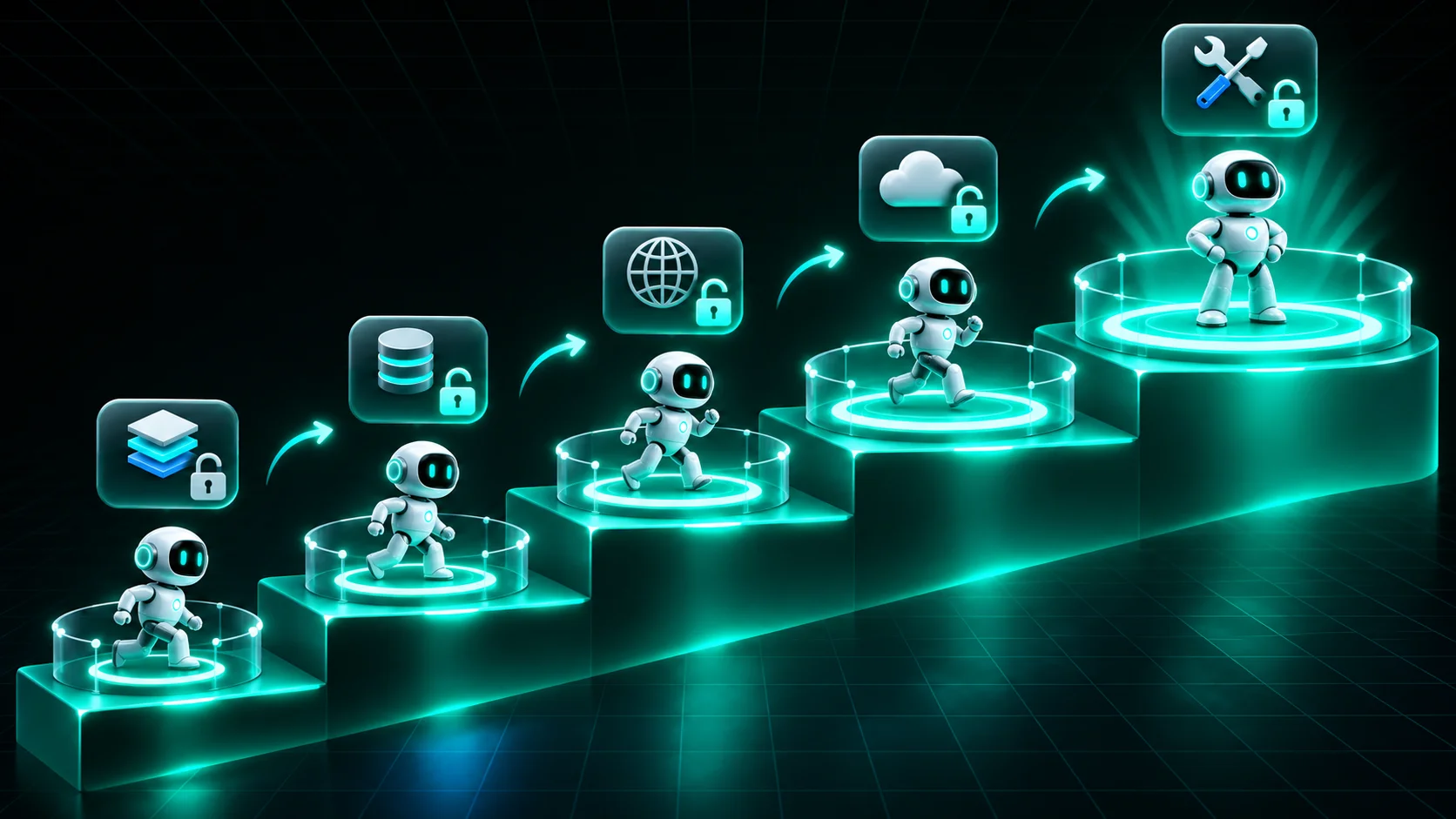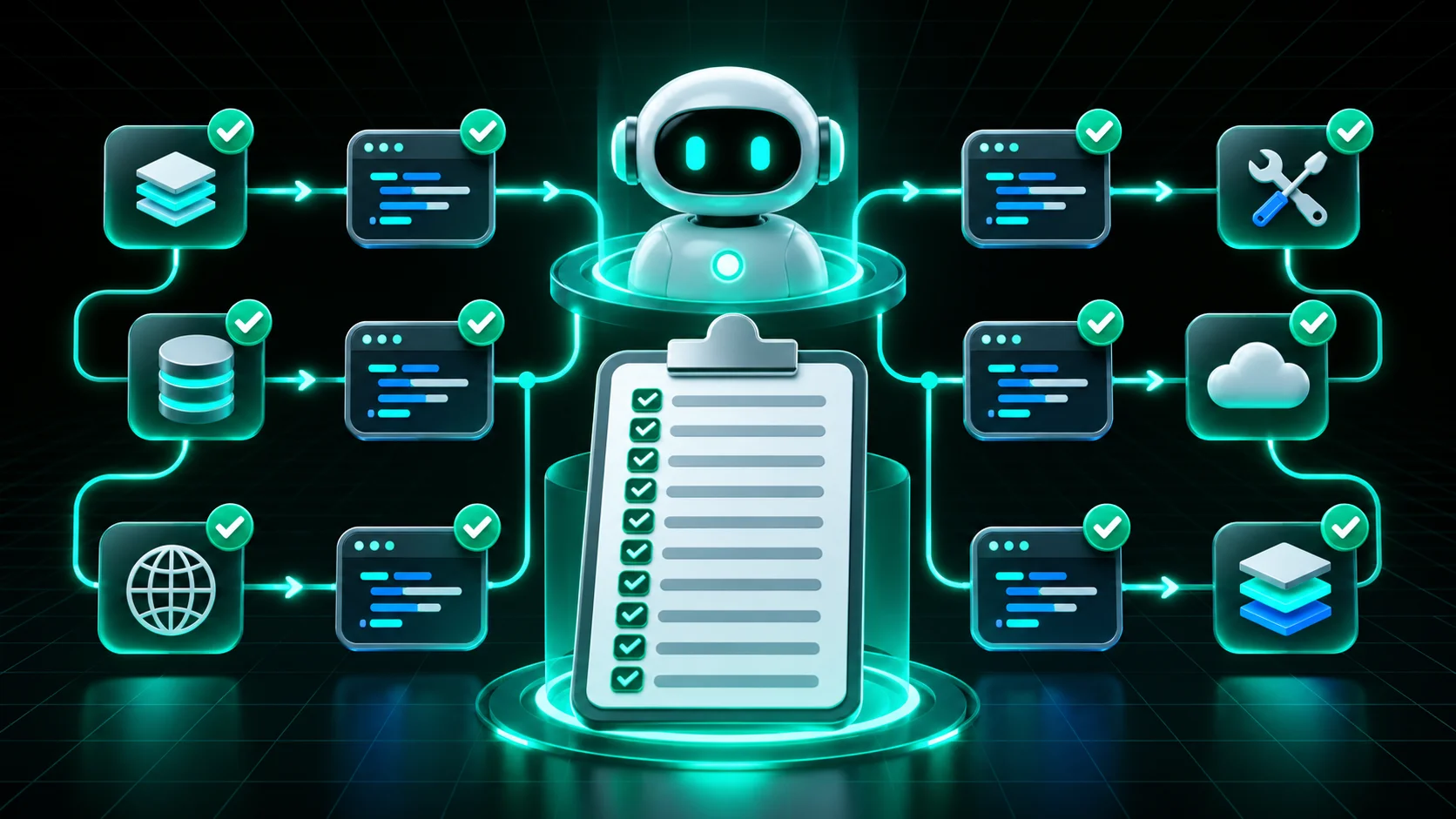
The best practices for building reliable agents are mostly about what goes into the code: clear tool definitions, timeouts, bounded loops, structured errors and the least access the task needs. Most teams find out their agent isn't reliable the same way. It works in the demo, then loops, calls the wrong tool or does something it was never supposed to do in production. A newer model release won't close that gap on its own.
The ten practices below come from the open Agent Reliability Rules, with an example rule for each. For the full definition of agent reliability, see our guide.
| Practice | What reliable agents do |
|---|---|
| 1. Clear tool definitions | Describe every tool specifically and type its parameters |
| 2. Timeouts | Put a timeout on every network call |
| 3. Loop and turn limits | Cap turns and iterations |
| 4. Structured errors | Return errors the model can act on |
| 5. Idempotent actions | Make data-changing tools safe to retry |
| 6. Least privilege | Grant only the tools and permissions the task needs |
| 7. Guardrails on risky tools | Check inputs before shell, file and network actions |
| 8. Safe paths and URLs | Validate file paths and URLs from the model |
| 9. Agent instructions in the repo | Ship an AGENTS.md or CLAUDE.md |
| 10. Tracing | Emit traces that show what happened and why |
The model picks tools based on their descriptions, so vague descriptions lead to inconsistent choices. A Queen's University audit of 856 MCP tools found 97.1% had at least one description flaw, and rewriting descriptions raised task success by a median of about 6 percentage points across four models. For GPT-4.1, success rose from 18% to 29% (Hasan et al., 2026). A good description reads like "Refund an order by ID. Max $500. Fails if the order is older than 90 days." A bad one reads "Handles refunds." Example rule: CSDK-001, tool has no description.
One slow API can stall a whole run. ReliabilityBench found rate limiting was the most damaging fault it injected into agents (Gupta, 2026). Set a timeout on every network call and decide what the agent should do when it fires. Example rule: CSDK-003, network call has no timeout.
Without a cap, an agent that gets stuck keeps trying, and your bill grows with it. Step repetition showed up in nearly 16% of multi-agent failure traces in UC Berkeley's MAST study (Cemri et al., NeurIPS 2025). Set an explicit max-turns or max-iterations limit on every agent. Example rule: LC-102, AgentExecutor has no max_iterations limit.
A raw stack trace tells the model nothing useful. A structured error, such as "order not found" or "rate limited, retry in 30 seconds", lets the agent recover or stop cleanly instead of guessing. Example rule: CSDK-005, tool raises exceptions without a structured error contract.
Agents retry. If a tool that charges a card or sends an email runs twice, the customer pays twice or gets two emails. An idempotency key makes a retry safe. Example rule: CSDK-006, mutating tool has no idempotency key.
An agent with fewer tools has fewer ways to go wrong, and it behaves more consistently. In April 2026, a coding agent used a root-level API token it found in its environment to delete a company's production data and backups in about nine seconds (The Register). A support bot doesn't need a shell, and nothing should run with bypassPermissions. The same goes for network access: the Agent Network Access Probe records which destinations a tool actually contacts in an OpenShell or Docker sandbox and drafts a policy that allows only those. Example rule: CSDK-103, permissionMode set to bypassPermissions.
Shell, file and network tools can do the most damage when the agent is wrong or manipulated. Put input checks or approval callbacks in front of them. Example rule: OAI-101, agent has no input_guardrails and wires shell or file tools.
When the model chooses a file path or URL, validate it before use. Otherwise a bad value can read the wrong file or call an internal service. Example rule: CSDK-004, path parameter used in I/O without validation.
Most agent code is now written with help from a coding agent. An AGENTS.md or CLAUDE.md tells that coding agent how your project works, so its output is consistent from the start. Example rule: CSDK-203, repo ships agent code without an AGENTS.md or CLAUDE.md.
When an agent fails, you need to see what it did and why. Configure tracing deliberately instead of relying on defaults, and send traces to the observability tool your team already uses. Example rule: OAI-201, project uses default OpenAI tracing.
You apply these practices automatically by giving them to your coding agent while it writes code, then testing for them on every commit.
While you code: Forge agent reliability skills generate a skill for your repo from the rules for the agent SDKs you use. Claude Code and Cursor read it and get tool descriptions, timeouts, loop limits and permissions right the first time.
Before you ship: the open-source Agent Reliability Analyzer tests for all ten practices across nine agent SDKs with deterministic static analysis. It runs locally with no LLM and no code upload. For why this works best before deployment, see Reliable Agents Start Before Runtime.
brew install trustabl/tap/trustabltrustabl scan .
Add the GitHub Action and every pull request gets a reliability check. Once agents are live, track them with the agent reliability metrics that matter, and put the production controls for reliable agents in place.
Reliable agents consistently complete their intended task within the authority they've been given, hold up when inputs change or tools fail, and fail in ways that are visible, contained and recoverable.
Start with clear tool definitions, timeouts and loop limits. They are the cheapest to fix, they remove the most common failure causes, and a static analyzer can check all three before you ship.
Trustabl Forge generates a reliability skill for coding agents. It reads a repository's dependencies, identifies the agent SDKs in use and writes a SKILL.md from the matching Trustabl rules, so Claude Code and Cursor apply those rules while they write agent code.
Related Blogs
Agent Reliability Resources